Operate it or automate it
The Control Room is where the live production happens. Push graphics manually for premium matches, or let Game Plans run the whole broadcast with no operator at all.
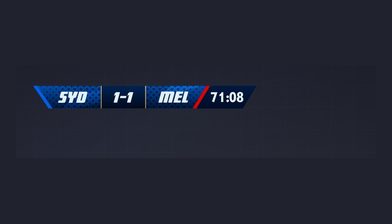
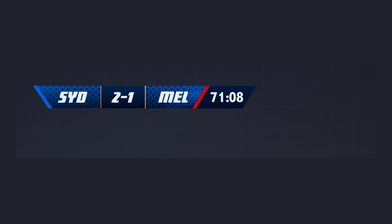
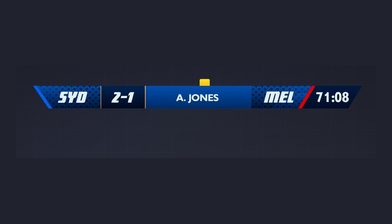
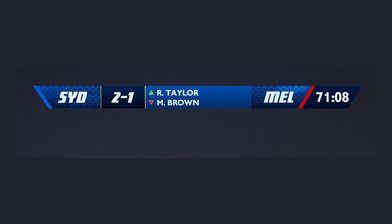
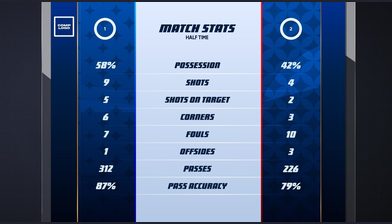
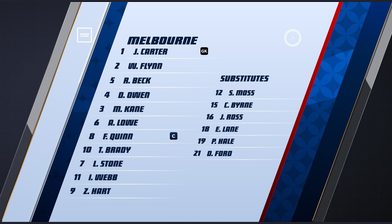
Manual when it matters, automated when it scales
One control surface covers everything from a hands-on premium broadcast to a full season of zero-operator production.
- 01Push graphics, scoreboards and overlays live manually
- 02Trigger sponsor activations and promotional graphics
- 03Enable Game Plans for zero-operator automated production
- 04Automate pre-game sequences, live triggers and break playlists
- 05Manage multiple overlays across simultaneous streams
- 06Switch themes and graphics during live broadcasts
- 07Blend manual and automated control in the same broadcast
- 08Proven across thousands of automated matches per season
Each decision here renders downstream
Whether an operator presses the button or a Game Plan fires the rule, the result is the same: graphics render in the cloud at Stage 4 and appear on your stream. Control decides what goes to air, and Output makes it broadcast-ready wherever it is shown.
Next: overlay and distributionWhere it sits in the workflow
Control is the third of five connected stages in the LIGR platform.
Questions
The Control Room is LIGR's web-based live production interface. Operators use it to push graphics, scoreboards, and overlays to air, trigger sponsor activations, switch themes mid-broadcast, and manage multiple overlays across simultaneous streams, all from a browser with nothing to install.
See the Control Room in action
We’ll show you a broadcast running itself, then hand you the controls.