Products/GamePlan Automation
Broadcasts that run themselves
Automation runs through every LIGR module: graphics fire on match events, streams start on schedule, highlights cut themselves. Configure once, then it runs.
What's included
Everything in GamePlan Automation, on every match it runs.
- Graphics automation: Game Plans trigger overlays on match events (goals, fouls, timeouts)
- Streaming automation: scheduled streams start and end without an operator
- Highlights automation: clips are auto-detected and queued from match events
- Sponsor automation: a goal fires a sponsor graphic automatically
- Smart clock management with period tracking and overtime
- Multi-game orchestration: run dozens of concurrent fixtures simultaneously
- Fallback rules for data interruptions with manual override
- Automated post-match wrap-up graphics and stats summaries
Build
A playlist for every moment
Each playlist carries its trigger, its duration and its priority. A goal fires the goal playlist, and when two fire at once the higher priority takes air and the other queues.
Review
Run a played match back through the plan
Load the match ID of a game that's already been played and the plan runs against it: every trigger and every graphic, in match order. Skip from trigger to trigger, run it at 10x, 20x, 30x or 60x, or click any moment on the timeline, and see what goes to air before kick-off.
Coverage
Find the rules that never fired
Coverage checks the plan against the match: which rules fired and how often, which never did and why. Simulate a rule to watch it play, and see clashes, where two graphics want the same spot, before match day.
Compare themes
Two theme profiles, one moment
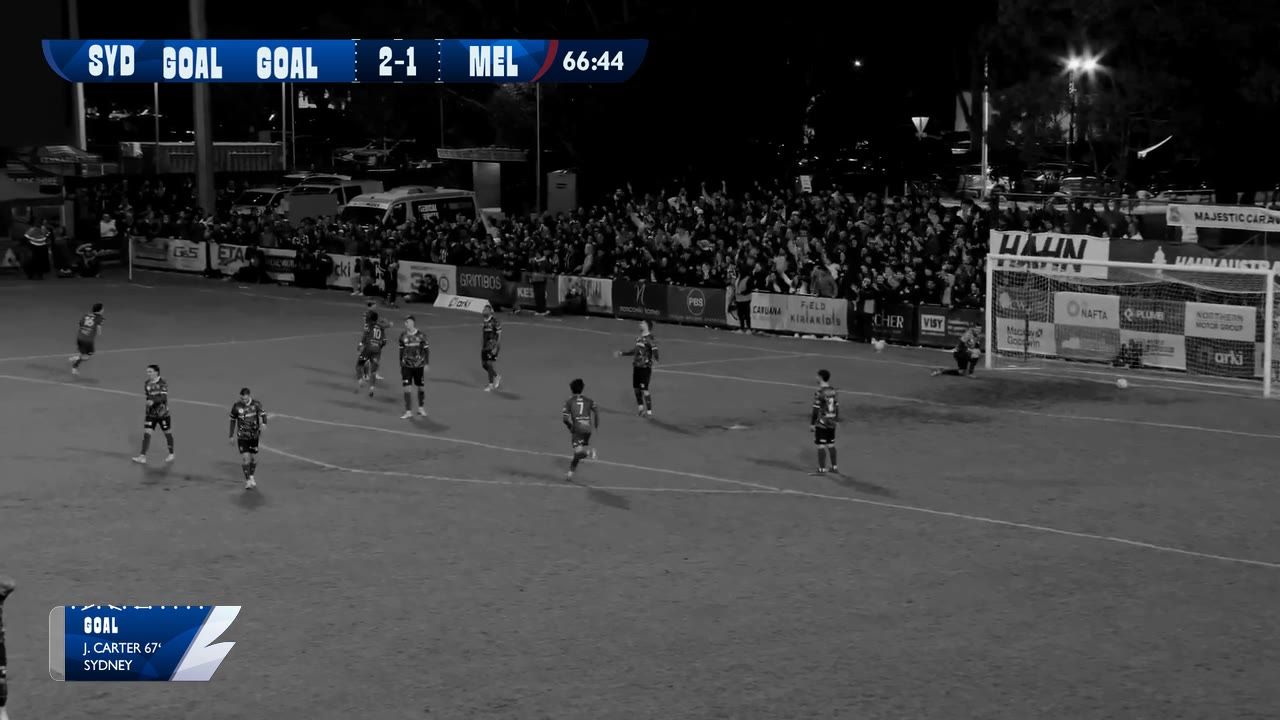
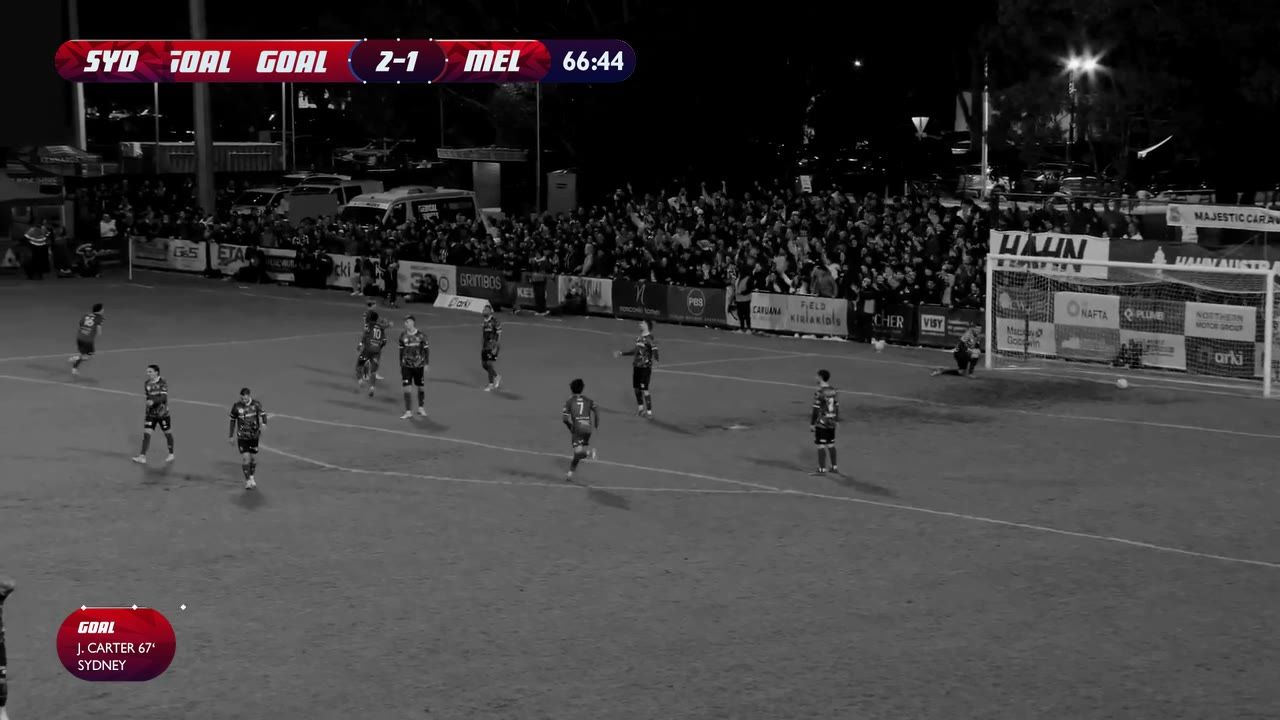
Compare themes plays the same moment in two theme profiles side by side, so you see how the plan looks in each before it goes to air.
Watch it work
Build it once and it runs itself
A pre-game loop that fills the gap until the start, a post-game sequence that plays once, one game plan that every fixture runs, and a preview that plays the whole match before it happens.
0:44, with sound.
Questions
No. Game Plans run the entire graphics flow automatically off live data, with zero operators. A human can still take manual control from the Control Room at any time.
More on gameplan automation
Game Plans
The sequencing layer in detail: pre-game and post-game playlists, event, timed and milestone triggers, priority, theme instances, and a preview that plays the whole match before it happens.
See how a game plan is builtEvent Triggers
Goals, cards, substitutions and milestones firing their own graphic sequences, with a priority system deciding what wins when two land at once.
See event triggersPlaylists
The hour either side of the match: a pre-game loop, a post-game sequence that plays once, and a scoreboard-only output for a distribution partner.
See playlistsControl Room
Where a running game plan is watched, overridden and taken manual. Auto and manual mode, preview, and many rooms driving many feeds from one theme.
Open the control roomFUSE
The control variables a game plan reaches for are defined in FUSE: data bindings, expressions and external data sources on the graphic itself.
See what FUSE drivesPut your next match on air
Tell us about your competition and we’ll show you how it looks with LIGR.