LIGR vs Production Truck
Hudl states Production Truck is available exclusively on macOS, and describes it as needing a dedicated person to manage the livestream during the game. LIGR automates the entire broadcast from the cloud: scores come off the competition's own data feed and Game Plans run the fixture unattended. Football Australia runs 4,000+ NPL matches a year; DAZN streams 650+ per season. No hardware at the venue, no operator per match.
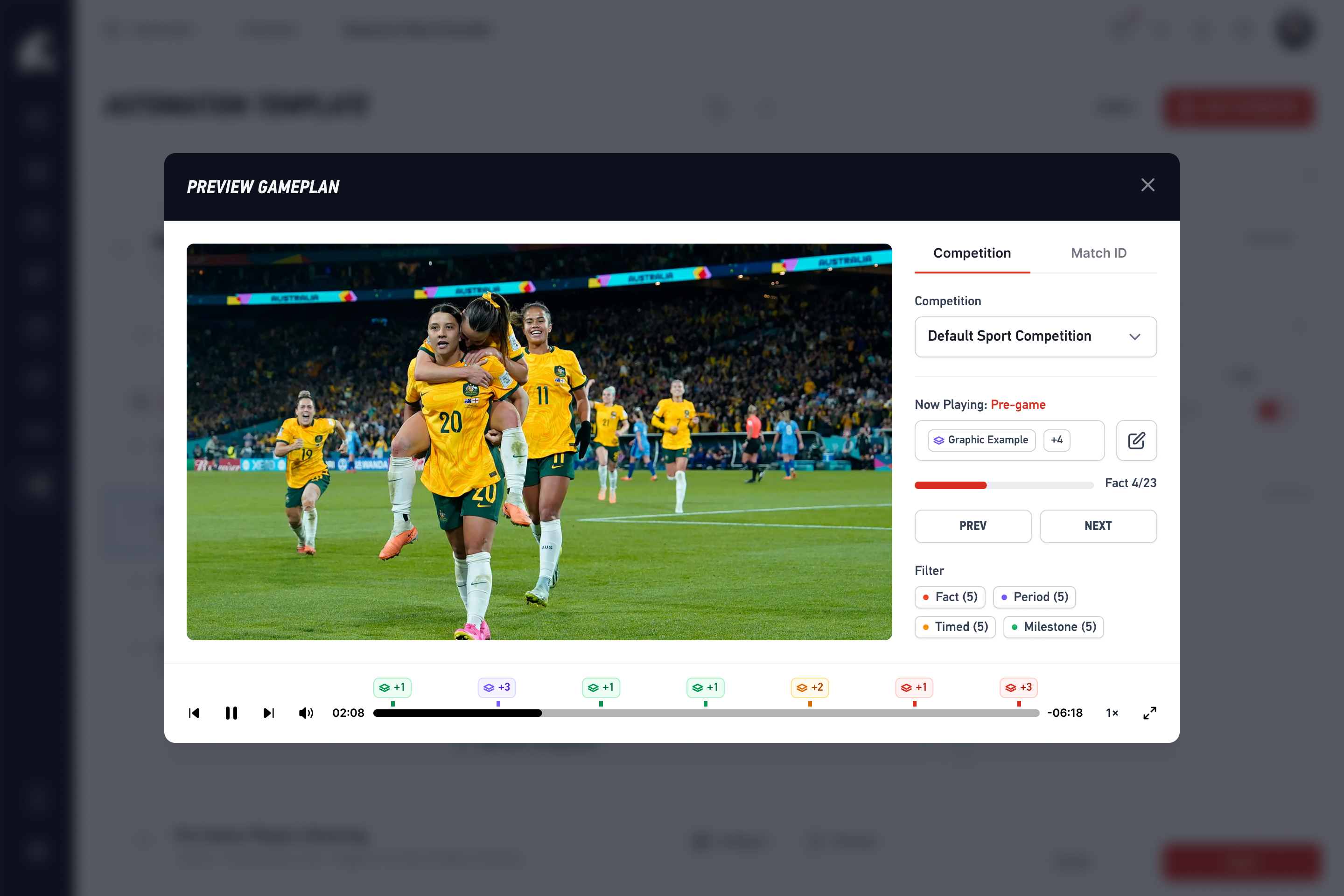
The Problem with Running Every Game By Hand
Production Truck puts you on a treadmill. Here's why programmes are switching to automation.
Operator Per Game
Every broadcast needs a trained operator. That's a person, a schedule conflict, and a cost — for every single match.
macOS Lock-in
Production Truck only runs on Mac. No Windows, no Linux, no Chromebook, no cloud.
No Live Stats
No native integration with Stats Perform, Genius Sports, or any live data provider.
Manual Ad Management
Sponsor overlays are manual. No scheduling, no rotation, no impression tracking.
No Automated Highlights
Every highlight has to be clipped by hand. Miss the moment, miss the clip.
Doesn't Scale
Adding games means adding operators. Costs grow linearly with your broadcast schedule.
Feature-by-Feature Comparison
| Feature | Production Truck | LIGR |
|---|---|---|
| Platform | macOS only | Cloud — any browser, any device |
| Graphics Automation | Manual operation | Fully automated via Game Plans |
| Live Stats Overlay | Via Scorebird / Scorebot at the venue | Stats Perform, Genius Sports |
| Operators Required | 1 per game minimum | Zero |
| Dynamic Ad Insertion | Sponsor assets placed per broadcast | Automated scheduling + rotation |
| Sponsorship Reporting | None | Per-sponsor, per-match impressions |
| Automated Highlights | Manual clipping | Auto-generated from match events |
| Remote Production | Local Mac required | Full remote — produce from anywhere |
| Multi-Sport Support | Generic templates | Sport-specific templates for 20+ sports |
| Hardware Dependency | Mac + capture cards | Any camera or encoder with RTMP |
| Scalability | Linear cost increase per game | Unlimited games, same platform cost |
Who Should Choose What
Choose LIGR if...
- You run multiple matches per week or season
- You want to eliminate operator workload
- You need live stats integration (Stats Perform, Genius Sports)
- You want automated highlights and sponsorship tracking
- You're scaling college sports broadcasts regionally or nationally
- You want operators to focus on production, not graphics
- You need remote production capabilities
Choose Production Truck if...
- You broadcast from a single venue with one Mac setup
- You're already heavily invested in the Hudl ecosystem
- You prefer manual control over every graphic
- Your volume is under 5 matches per month
- You don't need multi-camera or streaming integration
- You want a traditional operator-centric workflow
Leagues That Made the Switch to Automated Broadcasting
Organisations across the world are ditching manual operators and embracing automation.
200,000+
Matches Automated
4,000+
Football Australia
650+
DAZN Matches/Season
20+
Sports
Frequently Asked Questions
LIGR for your sport
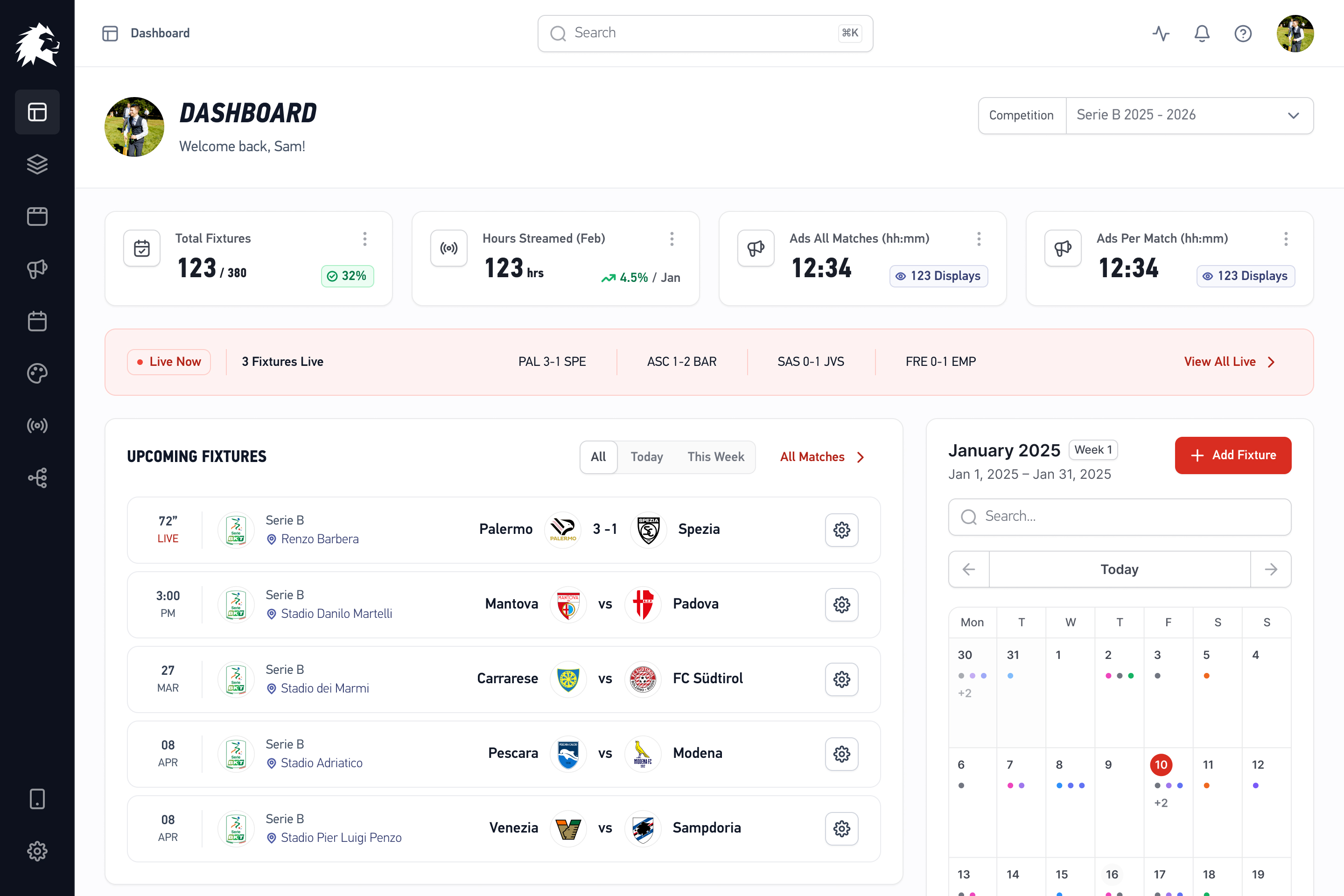
Stop Running Every Game By Hand
Hundreds of college programmes are already automating their broadcasts with LIGR. See why.