Products/Graphics
Broadcast graphics driven by the match
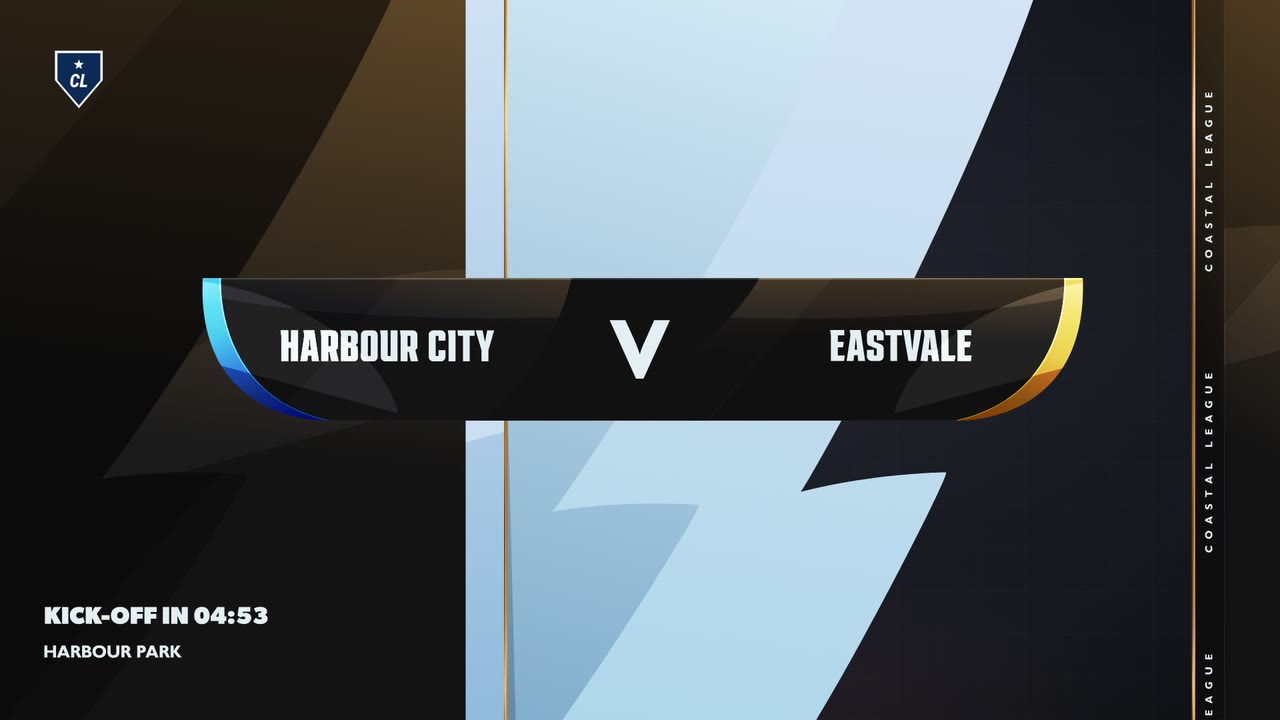
The score, the clock, line-ups, sponsors and the build-up before kick-off, on brand, for every fixture you cover.
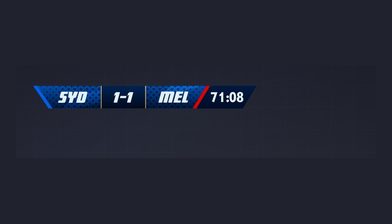
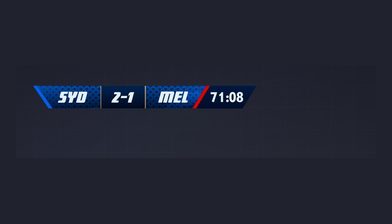
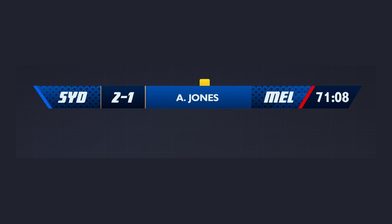
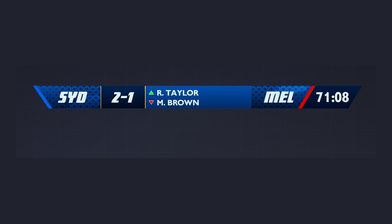
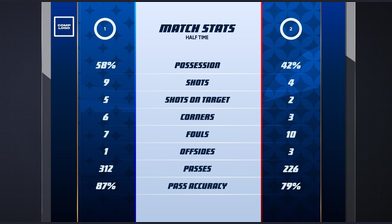
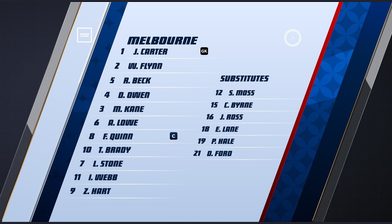
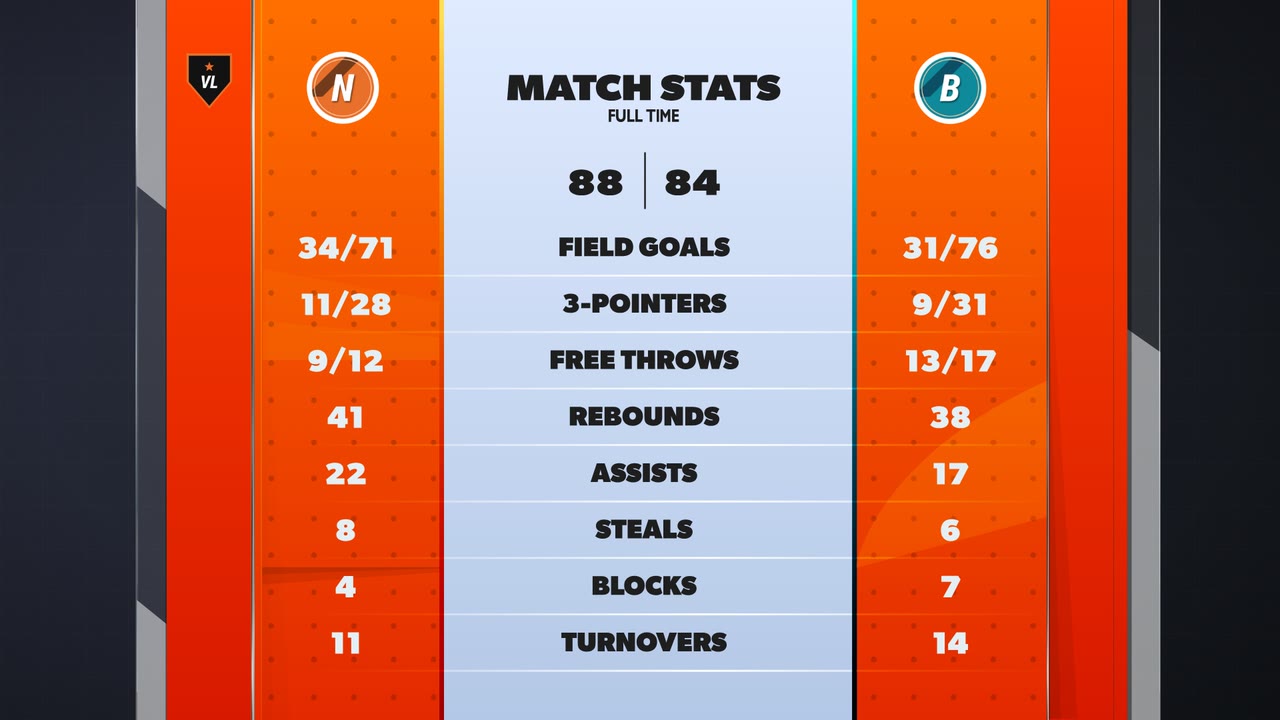
As standard
Live graphics without a design project
Pick a theme from the library, set it up once for the competition, and every match under it goes to air with the same look.
See the out-of-the-box themes across eleven sportsCompetition and match setup
Create competitions, seasons and matches. Load teams, squads and logos once, then reuse them all season. Every new fixture inherits the setup rather than starting from scratch.
A theme library
Pick a theme, then make it yours. Adjust typeface, animation, colour, texture, edges, position and scale.
Match scoring
Enter goals, cards, substitutions and the clock from the LiveScore app at the ground. Those events drive the graphics.
The Control Room
Show and hide graphics manually, run controller overlays, and preview graphics before they go on air. Set up scoreboard-only playlists for the matches where you want the score bug and nothing else.
Output into the tools you already use
Overlay output for OBS and vMix. Production URLs and monitoring links so someone off-site can see exactly what is going to air.
Included with Graphics
The theme library, in every Graphics plan
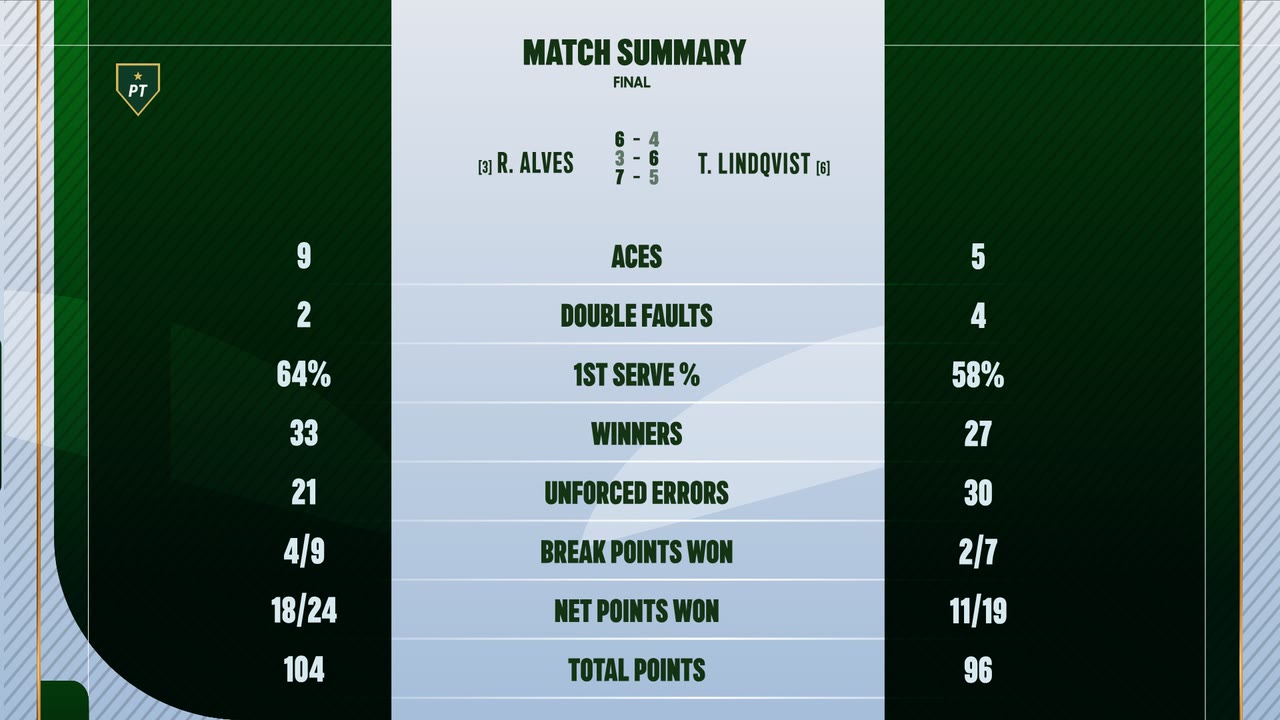
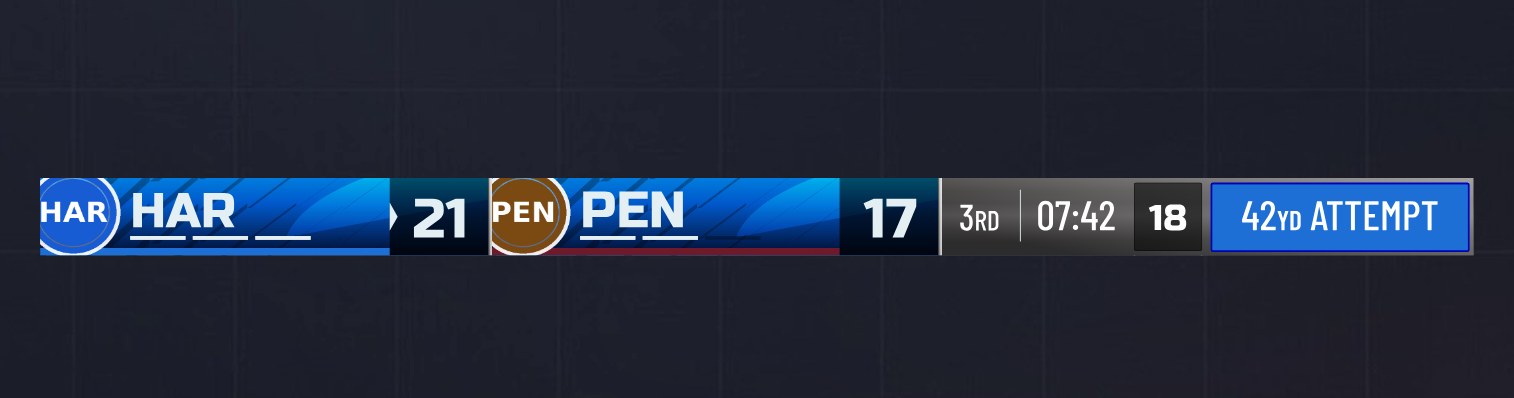
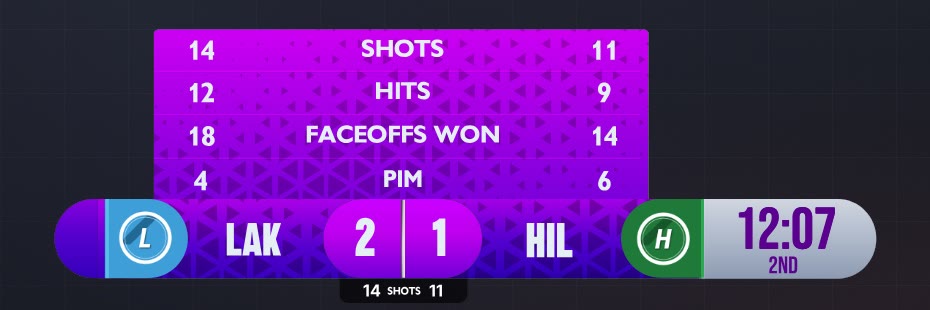
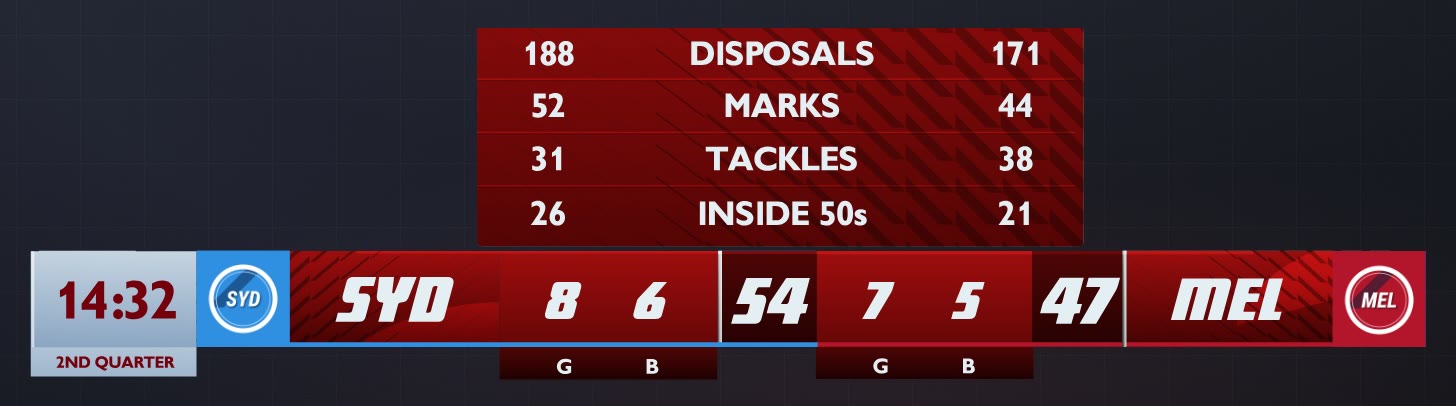
Every Graphics plan includes the generic and premium theme library. Pick a theme for the competition, set the typeface, colour, texture, edges and animation, and every match under it goes to air in that look. There is nothing to design first.
Watch it work
Control Room: match day
Running the Control Room through a football match, from line-ups to the goal going to air.
1:30, with sound.
Automation
Automate your broadcast graphics
A set of default automations ships with the graphics module. The automation layer on top of it is where most of the operating savings come from.
01
Build match playlists
Build pre-game, break and post-game playlists in the Game Plans builder.
02
Event and milestone triggers
Set goals, cards and substitutions to trigger the graphics you have assigned to them, and use milestone triggers for the things that recur through a match.
03
Sequenced sponsor graphics
Place sponsor graphics inside the sequence rather than dropping them in live.
LIGR Pro
Go further with FUSE
FUSE is the advanced graphics tier inside LIGR Pro. Either LIGR designs the package around your competition, or you get FUSE and build it yourself.
A standard theme is configured. A FUSE graphic is told how to behave. FUSE is built on Rive, so a motion designer works in a tool they already know, exports the file, and the data and logic are handled inside LIGR.
Live data binding
Bind live match data to specific inputs in the animation.
Control variables
Add control variables so one graphic behaves differently depending on the situation.
Expressions
Write expressions, then export and import them so work on one competition carries to the next.
External data sources
Connect external data sources and build things like tournament brackets off them.
Player data and images
Set up player data and images.
A custom control room
Publish straight into a control room built around your own templates, with sections, template variables, event context and full-frame graphics.
Studio or Pro
The same core either way. These are the rows where they differ.
| LIGR Studio | LIGR Pro | |
|---|---|---|
| Getting started | Self-serve. Sign up, pick your modules, go live | Configured with you around your competition, data and distribution |
| The graphics | Fixed theme library, generic and premium | Designed for your competition, or built by you in FUSE |
| How much you can change | Typeface, animation, colour, texture, edges, position, scale, plus skins and colour profiles | Data binding, expressions, control variables and external data sources. Graphics that hold logic |
| Motion design | Comes with the theme | Import your own Rive files |
| How events reach graphics | Scored manually in the LiveScore app | Your data provider triggers them automatically, or manually as a fallback |
| Data integrations | None | Opta, Sportradar, Genius Sports, Champion Data, Google Sheets and others |
| Control Room | Manual and auto mode, preview, controller overlays, scoreboard-only playlists | Plus sections, template variables, event context and full-frame templates built around your graphics |
| Automation | Game Plans, event triggers, milestone triggers, webhooks | Driven off a live feed rather than manual input |
| Feeds per match | One overlay and stream per match | Any number of independent feeds, each with its own graphics, sponsors, language and control |
| Sponsors in graphics | In-graphic and detached ads inside Game Plans | Plus different sponsors per feed, sold by territory, competition or platform |
| Output | Browser overlay for OBS and vMix, or cloud composited | Plus your own encoders, cameras and delivery partners |
| Organisation | One setup, run by you | Role-based access across states, clubs, competitions or clients |
| Support | Self-serve, help centre | Managed configuration, with concierge, MCR, broadcast management and 24/7 game day support available |
Questions
Competition and match setup, a theme library, live scoring, a live control room and overlay output for OBS and vMix. All of it is included with every core, with no design project required.
Go further
Themes and skins
A graphics package assigned at competition level and inherited by every match under it. Skins change the colours, never the layout.
See themesFUSE
Where a designed graphic gets bound to live match data, and where you decide which control variables an operator may touch.
See FUSEControl Room
The live graphics control room: sections you define, graphics from your own theme, and events that call up the right graphic already populated.
See the Control RoomTheme library
Themes, colours, textures, typefaces and motion across eleven sports. Every scorebug, extension and full-frame graphic, rendered from the production files.
See the themesBroadcast graphics software
How cloud broadcast graphics software works, what it has to do for live sport, and how it differs from an overlay renderer.
Read the guideScoreboard graphics guide
What a scorebug must show in every sport we support, and why one scoreboard design will not cover them all.
Read the guidePut your next match on air
Tell us about your competition and we’ll show you how it looks with LIGR.