Set up once and produce all season
The Dashboard is the single source of truth for your broadcast operation. Configure competitions, teams, themes, sponsorship and permissions there, and every other stage reads from it.
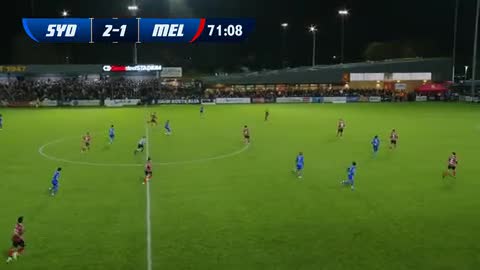
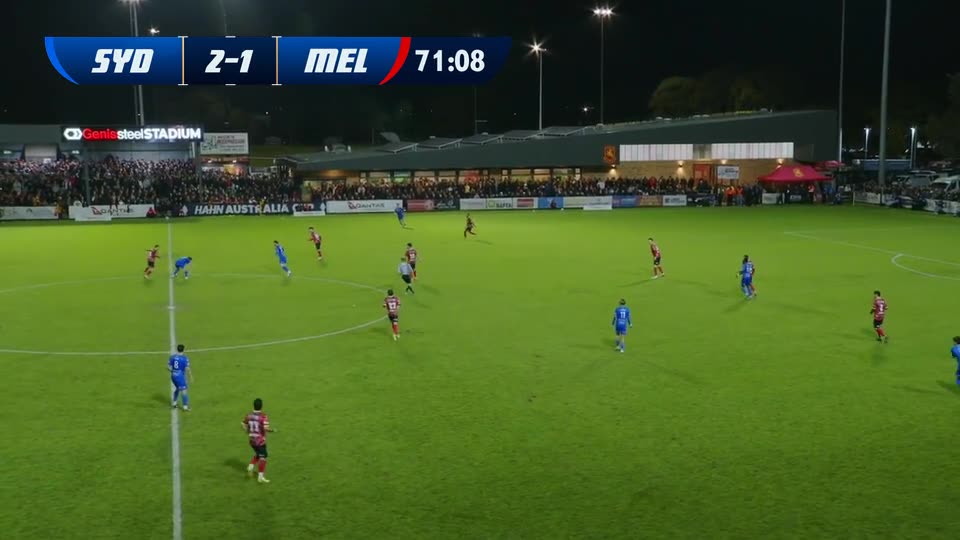
What you can do in the Dashboard
One configuration powers your whole season: graphics, sponsors, people and matches.
- 01Create and manage organisations, competitions, teams and matches
- 02Configure broadcast themes, graphics and overlay settings
- 03Centralise sponsorship assets, placement rules and campaigns
- 04Manage user roles and access permissions across your organisation
- 05Schedule a full season of matches against one configuration
- 06Monitor live broadcast status and analytics from one place
- 07Handle billing, subscriptions and usage tracking
- 08Update once, and changes flow through to every match downstream
In the product
Set-up flows downstream
Everything you configure in the Dashboard flows downstream. When live data and video start arriving at Stage 2, your themes, sponsor rules and permissions are already in place, so there is no per-match set-up and no rework. That connection is what lets one configuration scale across an entire season.
Next: live data and video inputWhere it sits in the workflow
Set-up is the first of five connected stages in the LIGR platform.
Questions
The LIGR Dashboard (ligr.live) is where you configure your entire broadcast operation: organisations, competitions, teams, and matches; broadcast themes and overlay settings; sponsorship assets and placement rules; user roles and permissions; and billing, subscriptions, and usage. It is the single source of truth that every other stage of the LIGR platform reads from.
Set up your season on LIGR
We’ll configure the Dashboard for your sport, competition and sponsors while you watch.