Scoring & Data/Scoring & Data · Match facts
The record everything else reads
A match fact is one event with a time, a team and sometimes a player attached. It is a small thing that turns out to be the spine of the whole broadcast: the scorebug, the automation, the highlight clipping and the season statistics all read from the same list.
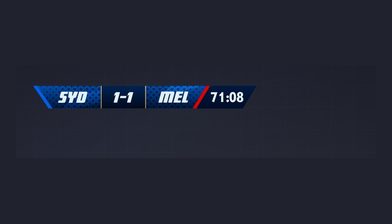
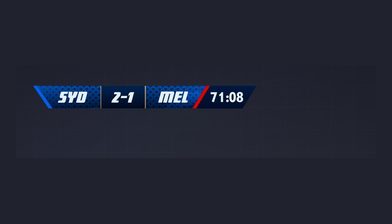
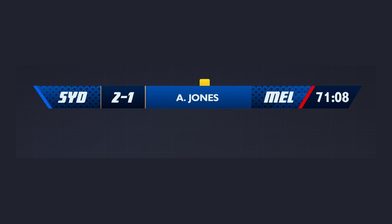
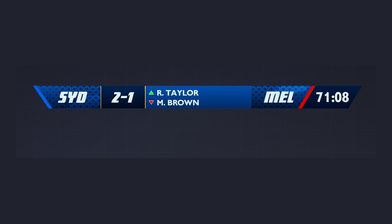
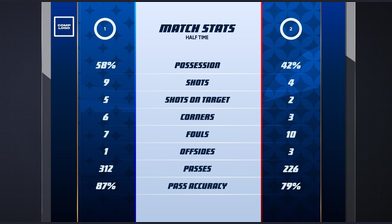
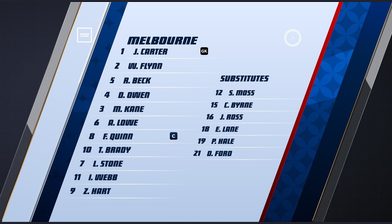
Each event carries four pieces of information
Every fact carries the event type, the time it happened, the team involved and, where rosters are configured, the player. Goals, yellow cards, red cards, corners, substitutions, penalties and free kicks are the common ones, and which of them a scorer sees depends on the sport configured for the match.
That is the entire data model, and its simplicity is the point. Once a fact exists it is available to everything downstream at the same instant rather than being re-entered by each system that needs it.
Nobody types the score twice
The graphics
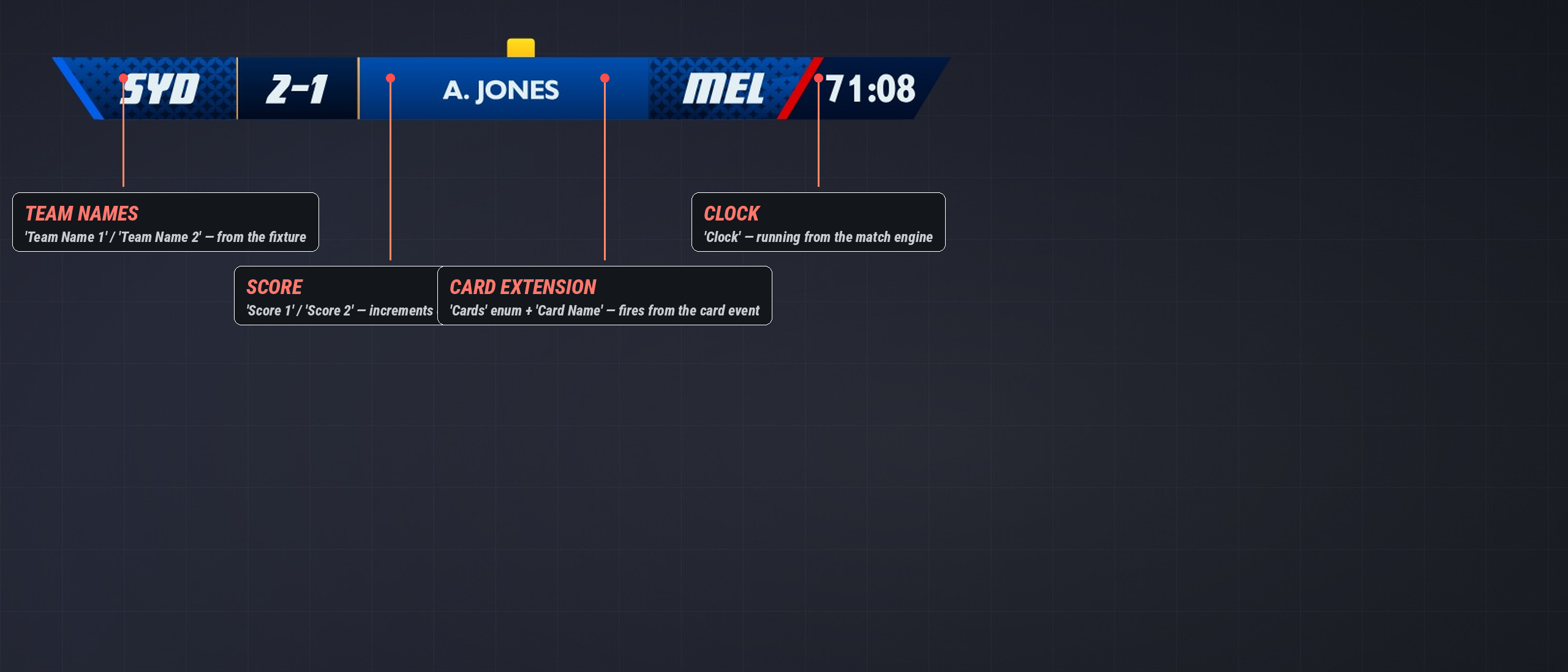
Configured overlays update in real time. The scorebug is a view of the match state rather than something an operator keeps in step with it.
The automation
Event triggers in a Game Plan fire from these facts. A goal is logged, the goal sequence plays, the scoreline comes back updated.
The highlights
Automatic clipping is driven by the same events, which is why the clip library fills up during the broadcast rather than after it.
It is also why the clip list can only ever be as complete as the event list, and why the Moments Editor exists for everything that was never logged.
Wrong, late or never logged
01
Add what was missed
Open match history, tap Add Event, pick the fact type, type the time it actually happened, pick the team and player, save. It is inserted into the timeline at the right time rather than appended to the end.
02
Edit what was wrong
Find the fact in match history, open the menu beside it and choose Edit. Fact type, time, team and player can all change: a yellow that should have been a red is two taps.
03
Delete what never happened
Same menu, choose Delete, confirm. For a duplicate entry or an event logged in error. It is permanent.
Times are entered as minutes and seconds. 45:00 is the end of a half, not three quarters of an hour into one. Edits save immediately and carry through to the match record and any configured overlays.
The practical habit is to use half time to run back through match history while the first half is still fresh, rather than trying to be perfect in real time with a phone in one hand.
Questions
An individual event during the match: goals, yellow and red cards, corners, substitutions, penalties and free kicks are the common ones. The available types depend on the sport configured for the match.
More on scoring & data
Put your next match on air
Tell us about your competition and we’ll show you how it looks with LIGR.