Designer's guide · Rive and Fuse
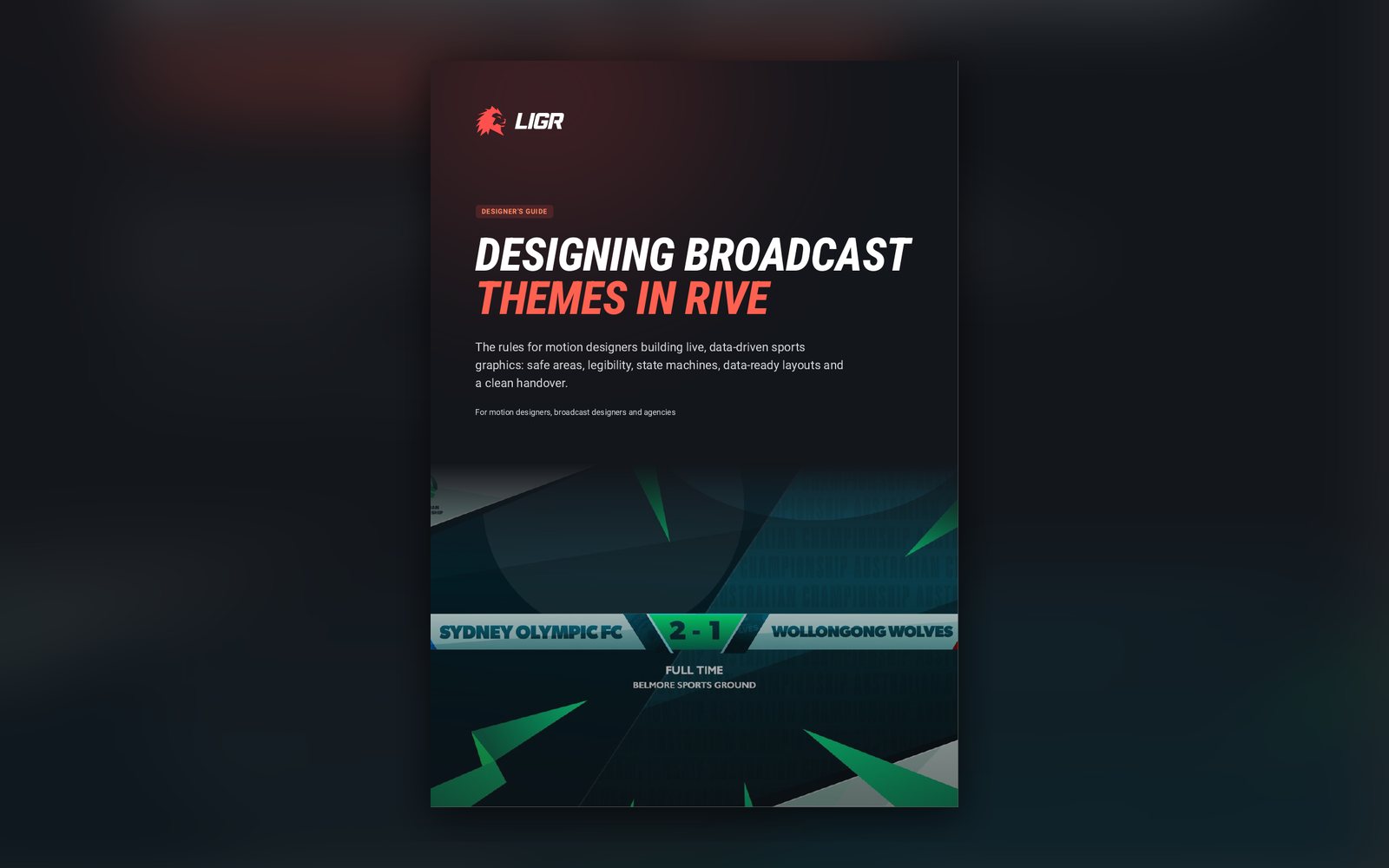
Designing broadcast themes in Rive
The rules for motion designers building live, data-driven sports graphics: safe areas, legibility over live video, state machines, data-ready layouts and a clean handover.
Get the guide
Instant access, no cost. What you get:
- The guide (PDF)
What's inside
Inside the guide
01
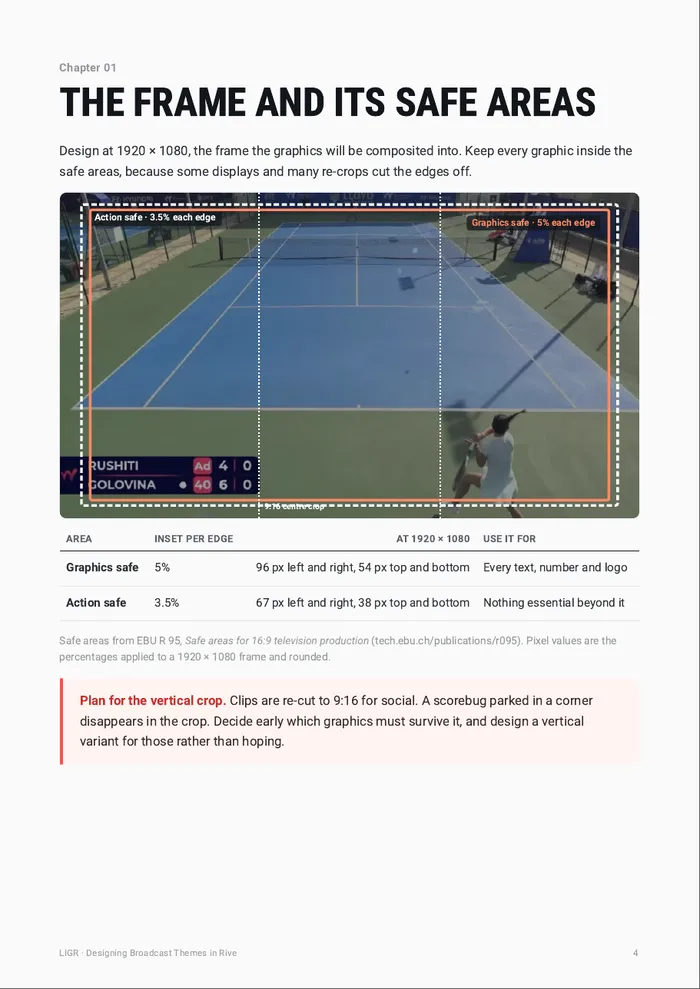
The frame and its safe areas
Graphics-safe and action-safe at 1920 × 1080, and planning for the vertical crop.
02
Legible in one second
Plates, numbers, condensed type, colour and motion that work over moving pictures.
03
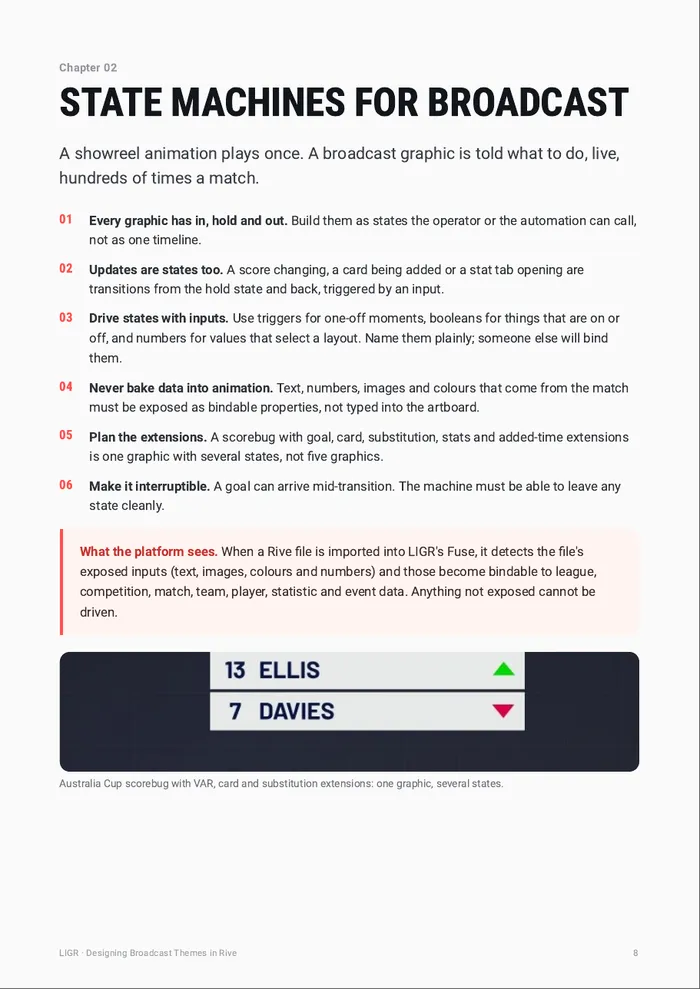
State machines for broadcast
In, hold, out, updates and extensions, driven by inputs and always interruptible.
04
Design for the data you will get
Long names, empty fields, colour clashes, late images and sport edge cases.
05
Themes and skins
Why a re-skin should never be able to break a signed-off design.
06
Handover checklist
Sixteen checks before a package goes to the production team.
A look at the pages
Swipe for more pages
Written for
- Motion and broadcast designers
- Design agencies building sports packages
- In-house creative teams at leagues and clubs
Put it to work
LIGR for designers
Questions
Do I need to use LIGR to use this guide?+
No. Most of it applies to any live broadcast graphics work. The Fuse sections describe how LIGR binds Rive files to live data.
Can I bring my own Rive files into LIGR?+
Yes. Rive files are imported into Fuse, where their exposed inputs are bound to live competition data and operator controls are set.