Highlights & Editing/Highlights · Compilations
Set the rule once and the reel follows
A clip is one moment from one match. A reel is a decision about which moments, from which matches, in what order, every week, all season. Most organisations make that decision by hand every time. A template makes it once.
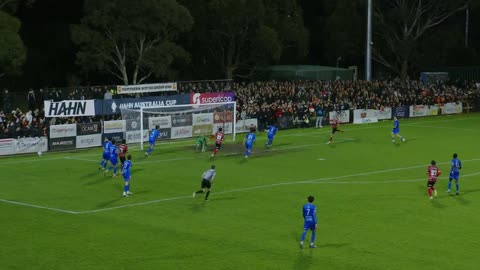
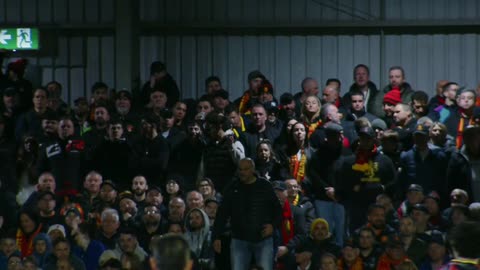
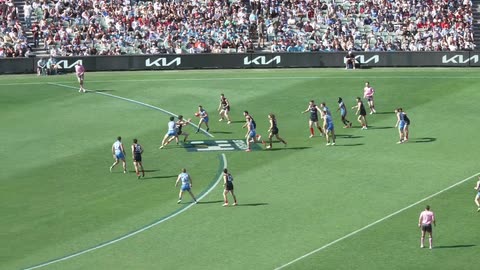
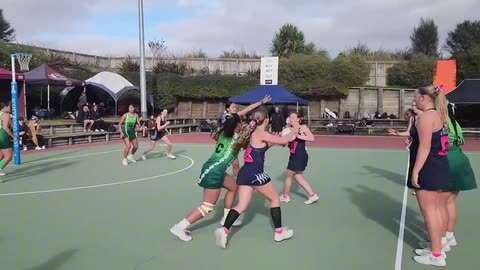
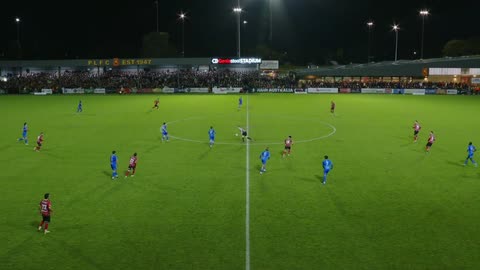
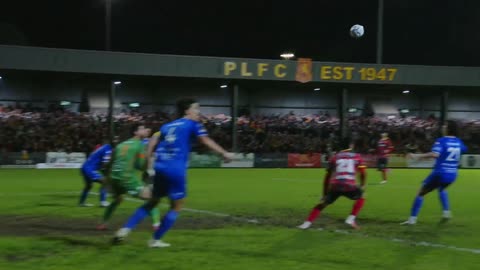
Assembly is not hard, but it comes round every week
The platform already holds every clip it cut during the broadcast. What remains is assembly: pick the matches, pick the event types, order them, top and tail them, render, publish. Not difficult work. Just work that arrives again every Sunday night.
Compilations remove the repetition rather than the judgement. You still decide what a reel is. You decide it once, as a rule, and the rule runs on a schedule or the moment a match is marked finished.
Build it once, or build the rule
Build one now
Pick a competition, pick the event types, tick the matches and generate. For a one-off: a cup run, an end-of-season reel, a player showcase pulled from across a year.
Or set a rule and forget it
A template is the same configuration with a recurrence attached. It fires on a schedule or when a match finishes, and the finished video is waiting without anyone opening the platform.
Run on a schedule or at the final whistle
Manual
You trigger it. The configuration is saved, the timing is not.
Daily
Every day at a time you set.
Weekly
A given day and time. Sunday evening after the weekend's fixtures is the obvious one.
Monthly
A given day of the month, for a round-up rather than a match reel.
When a match is finished
Fires the moment a match is marked finished, so the clip is out while people are still talking about the game.
Make one reel or one per match
One video, ordered by event
Every match combined and grouped by event type. All the goals, then all the cards.
One video, ordered by match
Every match combined in match order, so the reel reads as a round.
One video per match
A separate compilation for each match. Paired with the match-finished trigger, this is how a club gets its own clip automatically.
Each event type you add carries its own lead and lag and can be filtered by tag, so a reel of tagged goals is a different rule to a reel of every goal. Keep the lead and lag short here. A compilation of twenty goals at fifteen seconds either side is a six-minute video nobody finishes.
Pre-roll and post-roll videos bookend the output, which is where a sponsor bumper or a competition sting goes.
Define it centrally and run it everywhere
Two toggles decide how far a template reaches. Include Club Moments pulls in the moments clubs cut themselves through their portals, not just the clips the platform captured automatically. Available to Club Portals lets those clubs use the template.
For a league that is the whole proposition: define the reel centrally, let every club generate its own version of it, and keep the format identical across all of them without operating any of it.
What it will not do
It can only use what was captured
A compilation assembles highlights that already exist. Select Penalty for matches where no penalty was logged and nothing is included for it. The reel is only as complete as the match data behind it.
Generate Highlights had to be on
Clips are captured during the stream, not recovered afterwards. If the toggle was off, there is nothing to assemble.
Edits are provisional until you regenerate
You can change a clip's length or drop a highlight from a finished compilation, but the video does not change until you regenerate it. Nothing updates behind your back either.
Finished compilations land in the Videos tab, where they can be downloaded, shared to a connected social account or archived. Open one and every highlight inside it is listed and editable.
Questions
A compilation is one finished video. A template is the rule that produces compilations: the same configuration with a recurrence attached, so it runs on a schedule or when a match finishes.
More on highlights & editing
Moments Editor
Cut the passages match data never logged, so they exist to be compiled in the first place.
See the Moments EditorVideo Editor
When a rule is not enough and the package needs a timeline, graphics and audio.
Open the editorHighlights & Editing
The module this sits under: automatic clipping, full match recording and the library behind all of it.
See the modulePut your next match on air
Tell us about your competition and we’ll show you how it looks with LIGR.