We use cookies to give you the best possible experience. By continuing to use the website, you consent to the use of cookies. Read our Privacy Policy. Use of the website is subject to our Terms of Use.
Unfortunately, Internet Explorer is an outdated browser and our website does not support its use with our website. For the best experience please switch to Microsoft Edge, Google Chrome, Mozilla Firefox, or Safari.
How To (2): Utilize Graphics, Automation and Custom Themes with LIGR Live.
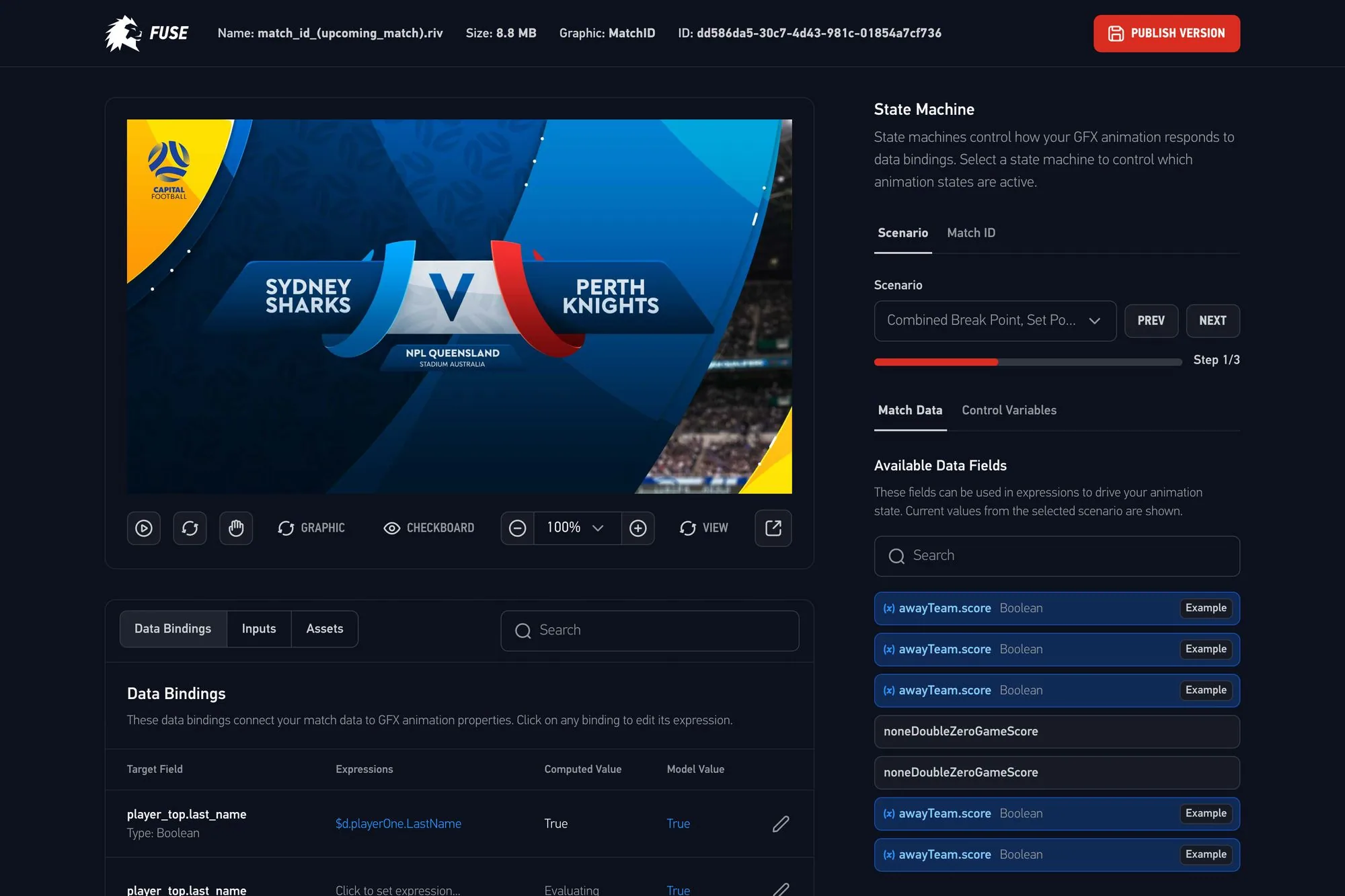
LIGR’s broadcast graphics are built for speed, polish, and control. With a selection of professionally designed themes and flexible display options, you can let graphics appear automatically as events unfold, or take full manual control to tailor your match coverage in real time.
For manual control, graphics can be customized and displayed as needed. Users can manually show elements like a background and team list before the match begins.
Auto graphics automatically display key visuals during the broadcast. When a match is started through the Live Score app or an external data provider, graphics automatically appear on the broadcast.
Graphic automation through game plans and playlists enables users to set up custom time triggers for competitions. These triggers display a sequence of graphics at specific times during a match.
From the Competition tab, themes can be accessed to explore the available options.
Watch the full video here for a complete walkthrough of the Graphics & Automation 👉
Watch the full video here for a complete walkthrough of the Graphic Themes 👉