We use cookies to give you the best possible experience. By continuing to use the website, you consent to the use of cookies. Read our Privacy Policy. Use of the website is subject to our Terms of Use.
Unfortunately, Internet Explorer is an outdated browser and our website does not support its use with our website. For the best experience please switch to Microsoft Edge, Google Chrome, Mozilla Firefox, or Safari.
How To (4): Create, Manage & Promote Sponsorhsip Ads with LIGR Live.
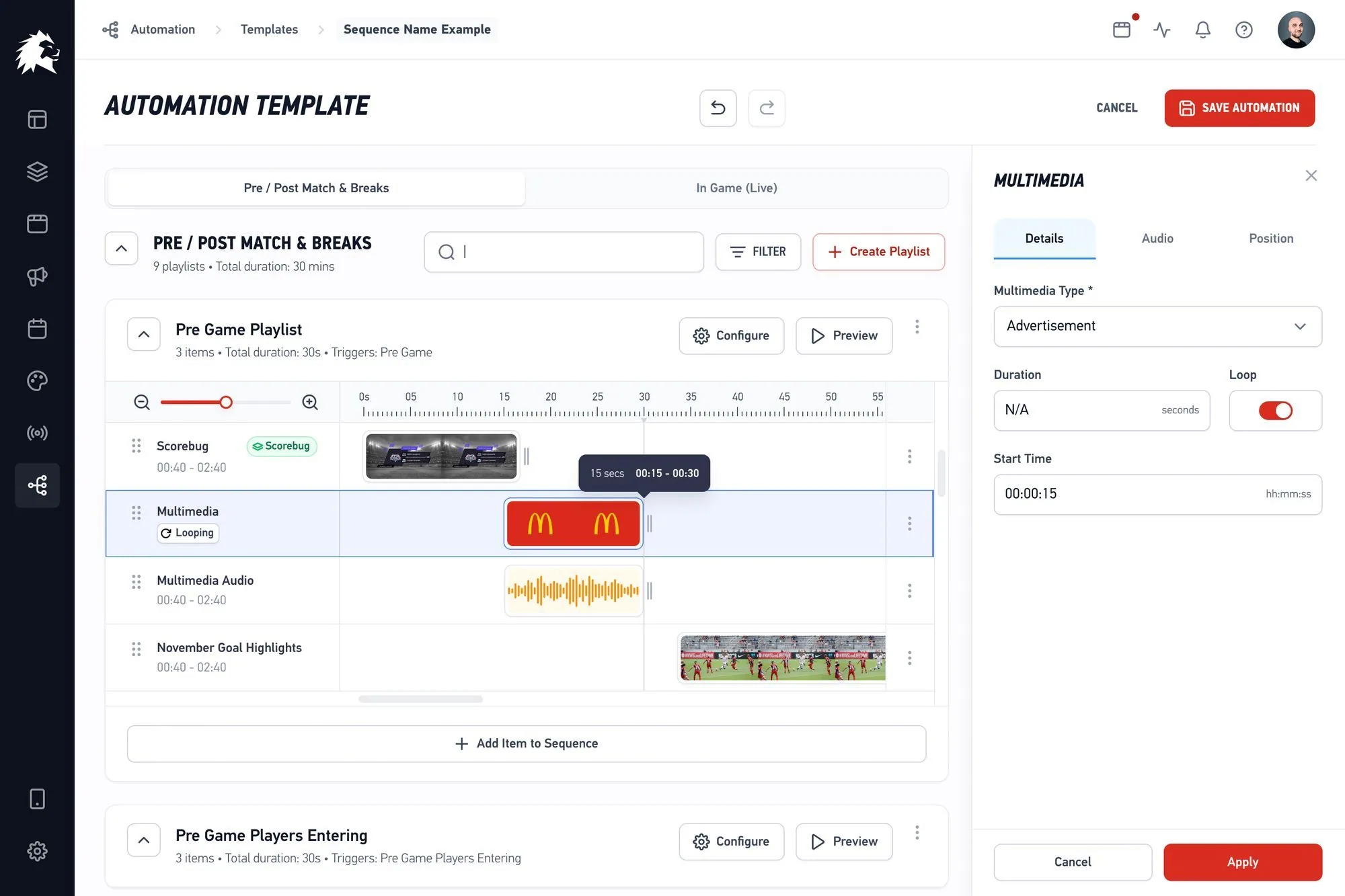
LIGR's ad management tools give you complete control over how and when your ads appear across live broadcasts. From uploading and designing creatives, to distributing them with precision and tracking performance in real time, the Ads, Allocation, and Analytics tabs work together to help you deliver maximum impact with every display.
The Ads tab provides comprehensive tools to manage and optimize your ad sets.
All ad sets are saved on the Ad Sets page. You can upload up to seven different ad sizes per set.

New ad sets can also be created directly in Canva, which automatically loads the correct dimensions for your selected size.
The Allocation tab enables flexible ad delivery using percentages, event triggers like goals or cards, and team-specific targeting.
The Analytics tab offers performance insights like average display duration, total displays, and screen share percentage.
Watch the full video here for a complete walkthrough of Ad Set Management 👉