Products/Ads & Sponsorship
Sponsorship inventory on every sports broadcast
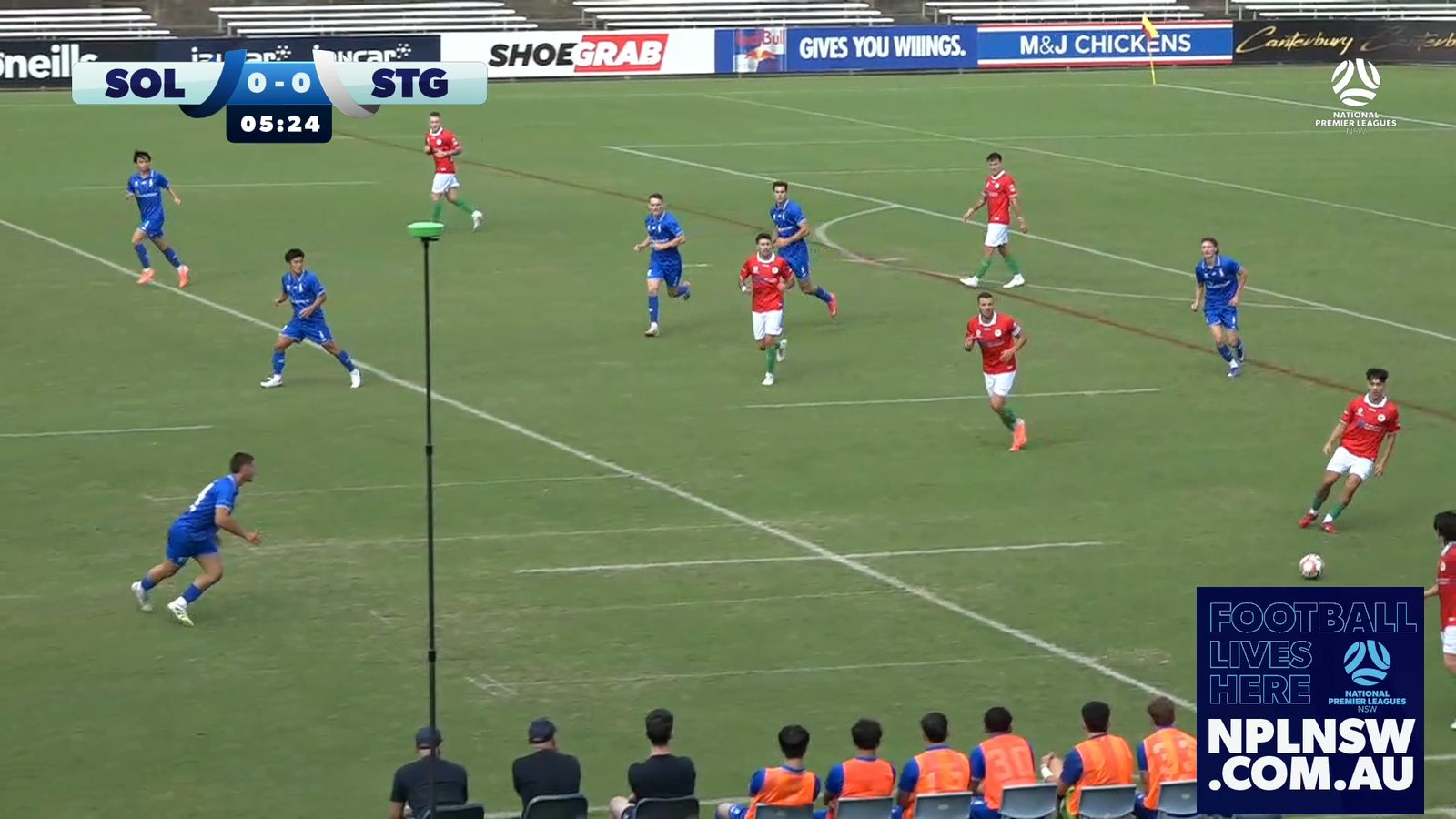
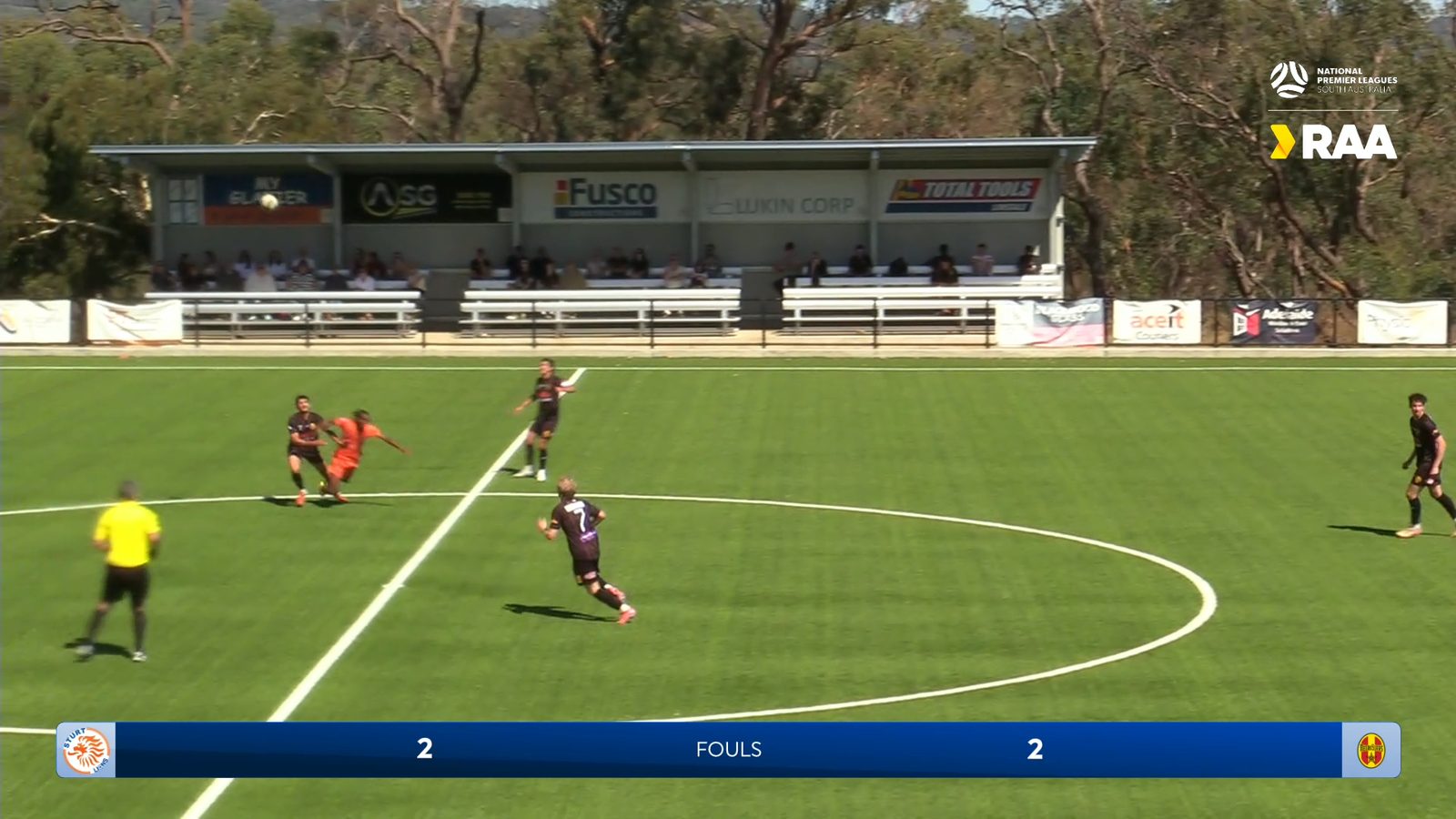
Sponsor logos, ad breaks and branded moments across every broadcast you produce, sold by competition, by club, by feed or by event.
As standard
Sponsors placed by competition, club and team
Build an ad set once from a partner’s assets and it appears wherever that partner is allocated, without an ad server.
Ad sets built from partner assets
Group a partner's assets into a set at the sizes each broadcast placement takes, then reuse it wherever that partner appears.
Allocation at competition, club and team level
The same broadcast can carry a league sponsor, a home club sponsor and a team sponsor without anyone editing a graphic.
In-graphic and detached placements
Sponsors inside the broadcast graphic itself, or positioned independently on screen.
Sponsors tied to in-game events
Assign ad sets to in-game events, so a goal or a card brings a partner with it.
Sponsor reporting
Ad analytics and performance metrics after the broadcast, for reporting back to partners.
On air
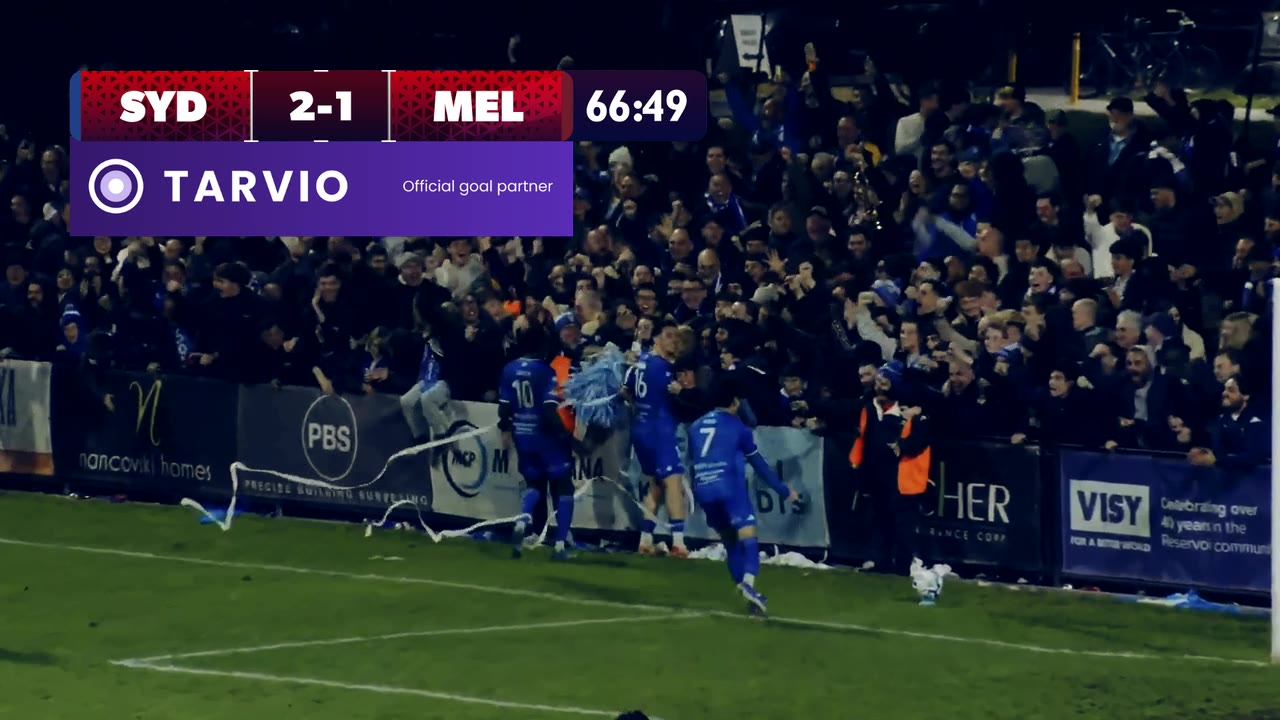
A partner on every goal
The goal goes in, the score and the scorer go to air, and the goal partner’s ad takes the scorebug’s ad slot. Set it once for the competition and it runs on every match.
Automation
Automate your sponsor delivery
Once ad sets are allocated, placements appear on every broadcast in the competition without anyone touching them, which is what makes a whole round sellable rather than one showcase game.
01
A sponsor loop on inbuilt themes
Run a sponsor loop on inbuilt themes, rotating automatically through the ad sets you have allocated.
02
Ad slots in sequences
Add ad slots to pre-game, break and post-game playlists in the Game Plans builder on Rive themes.
03
Sponsors triggered by in-game events
Trigger sponsors off goals, cards and other in-game events automatically.
LIGR Pro
Go further with LIGR Pro
Per-feed sponsorship is the advanced tier inside LIGR Pro. Each broadcast feed off a match runs its own rotation, so the same fixture carries different partners in different places.
In Studio a match carries one set of placements. On Pro it carries as many as you have rights to sell.
Sell by territory, competition or platform
Sell placements by territory, by competition or by platform off a single match.
Multiple sponsor sets on one fixture
Run a domestic sponsor set, an international set and a partner set on the same fixture simultaneously.
Placements in custom graphics
Build sponsor placement into broadcast graphics designed for your competition rather than into a standard theme.
Triggered from your live data feed
Trigger placements from your live data feed across concurrent broadcasts with no manual intervention.
Inventory at scale
Manage inventory across many competitions in one account with role-based access.
Configure live during play
Configure in-game ad slots during live gameplay, across concurrent feeds, when something changes on the day.
Questions
You create an ad set from your partner's assets at the sizes each placement takes, then allocate it at competition, club or team level. From that point, the placement appears automatically on every matching broadcast without anyone touching it again.
Put your next match on air
Tell us about your competition and we’ll show you how it looks with LIGR.